

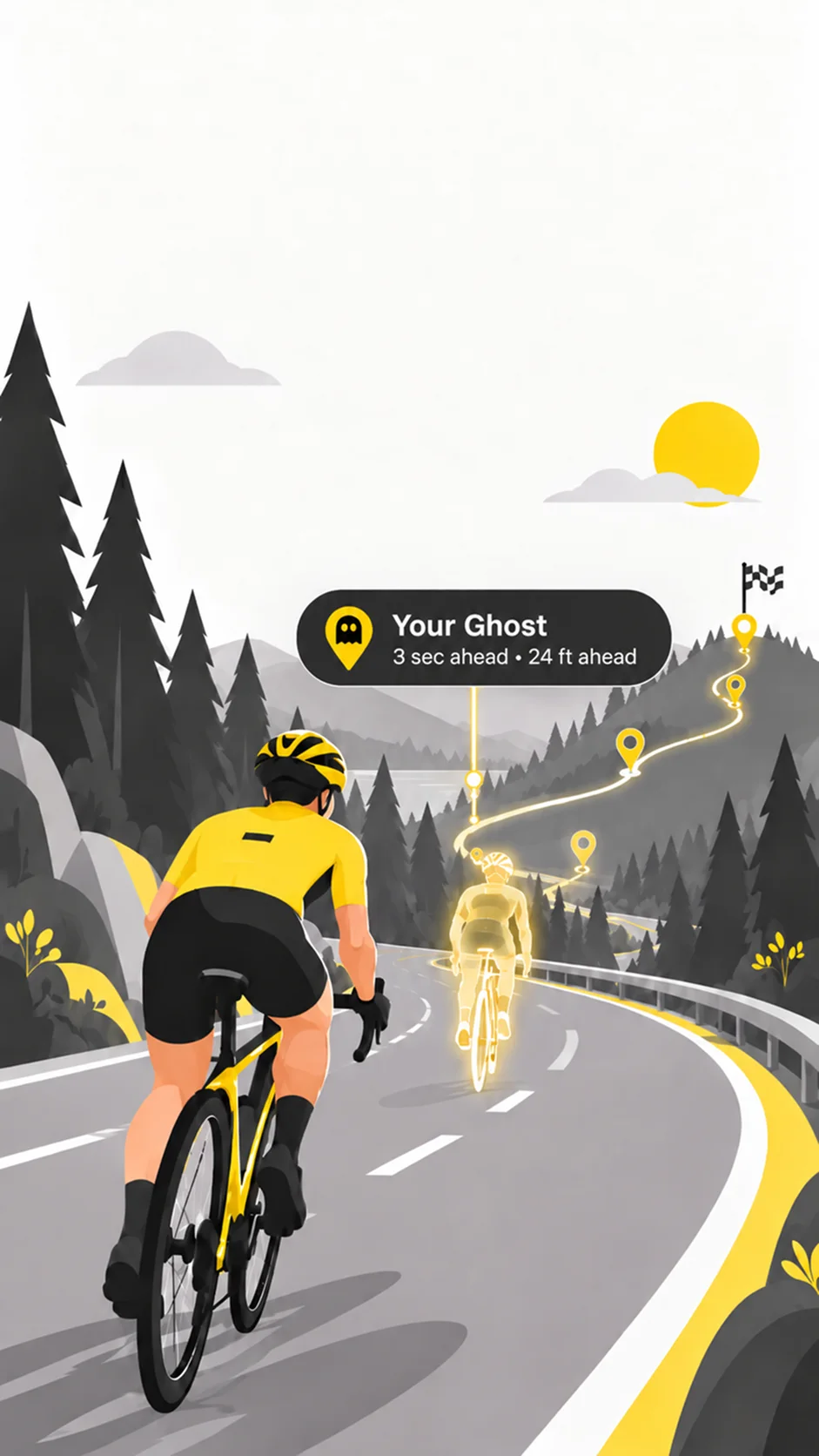
Use a Strava activity as a starting point
MashON can use recorded Strava activities when creating a Ghost Mash. Choose an outdoor activity with a GPS route so the app has a track to replay. The activity's route and timing determine what can be compared.
Connect before importing
Sign in to MashON and use the Strava connection flow to authorize access to your Strava account. Then choose Strava as the activity source where offered. If access expires or an activity cannot be loaded, check the connection and permissions before trying again.
Upload a completed activity
Eligible activity summaries offer an Upload to Strava action. Review the activity name before uploading. Route availability matters: if the route is read from Apple Health, the workout and route must be available and the relevant Health permissions granted.
Avoid duplicate uploads
Before sending an activity again, check whether it is already in Strava, especially if another app also syncs your workouts. MashON can warn that an activity may already have been uploaded. An upload and a Saved Activity are separate records.
Keep route requirements in mind
Not every activity contains an outdoor GPS track. Indoor sessions or workouts without the required route data cannot provide the same ghost replay. Saved Activities also supports recorded GPX files if you want another way to bring a timed track into MashON.
Need a hand? Contact MashON support. For data handling and permissions, read our Privacy Policy.